Add WireGuard Configuration
To add a new WireGuard Configuration, simply click the big "+" button on the top right of the Home page
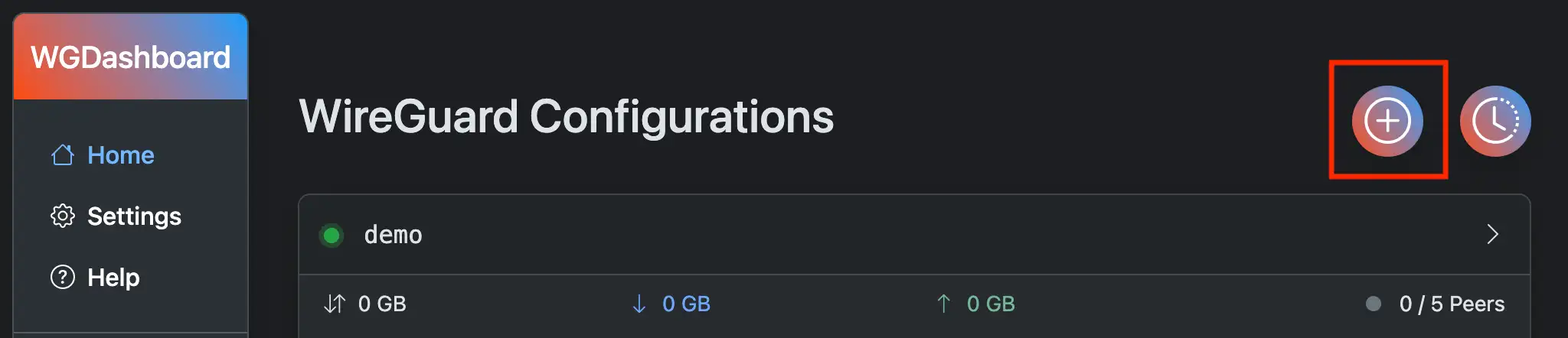
Then you will see a form, with the following fields need to input. Specifications came from Some Unofficial WireGuard Documentation
- Name
- This will be the name of your WireGuard Configuration, the rules are following:
- Can't use existing WireGuard configuration's name
- Must match the regex
^[a-zA-Z0-9_=+.-]{1,15}$
- This will be the name of your WireGuard Configuration, the rules are following:
- Private Key & Public Key
- Both keys are pre-generated. If you wish to use your own key pair, simply paste your Private Key into the input, and it will generate the Public Key automatically.
- To re-generate a key pair, simply click the blue refresh button on the right of Private Key input.
- Listen Port
- Port that your configuration will be listened to. Can't be using the same port as other configuration.
- IP Address/CIDR
- This defines what address range each peers will be. For example,
10.0.0.1/24means peers can allocate IP address from10.0.0.2to10.0.0.254 - Of course, you can also define multiple subnets, like
10.0.0.1/24,2001:DB8::/64
- This defines what address range each peers will be. For example,
- Optional Settings
- PreUp
- Shell commands to run before the configuration is turned on
- PreDown
- Shell commands to run before the configuration is turned off
- PostUp
- Shell commands to run after the configuration is turned on
- PostDown
- Shell commands to run after the configuration is turned off
- PreUp