Access Remote Server
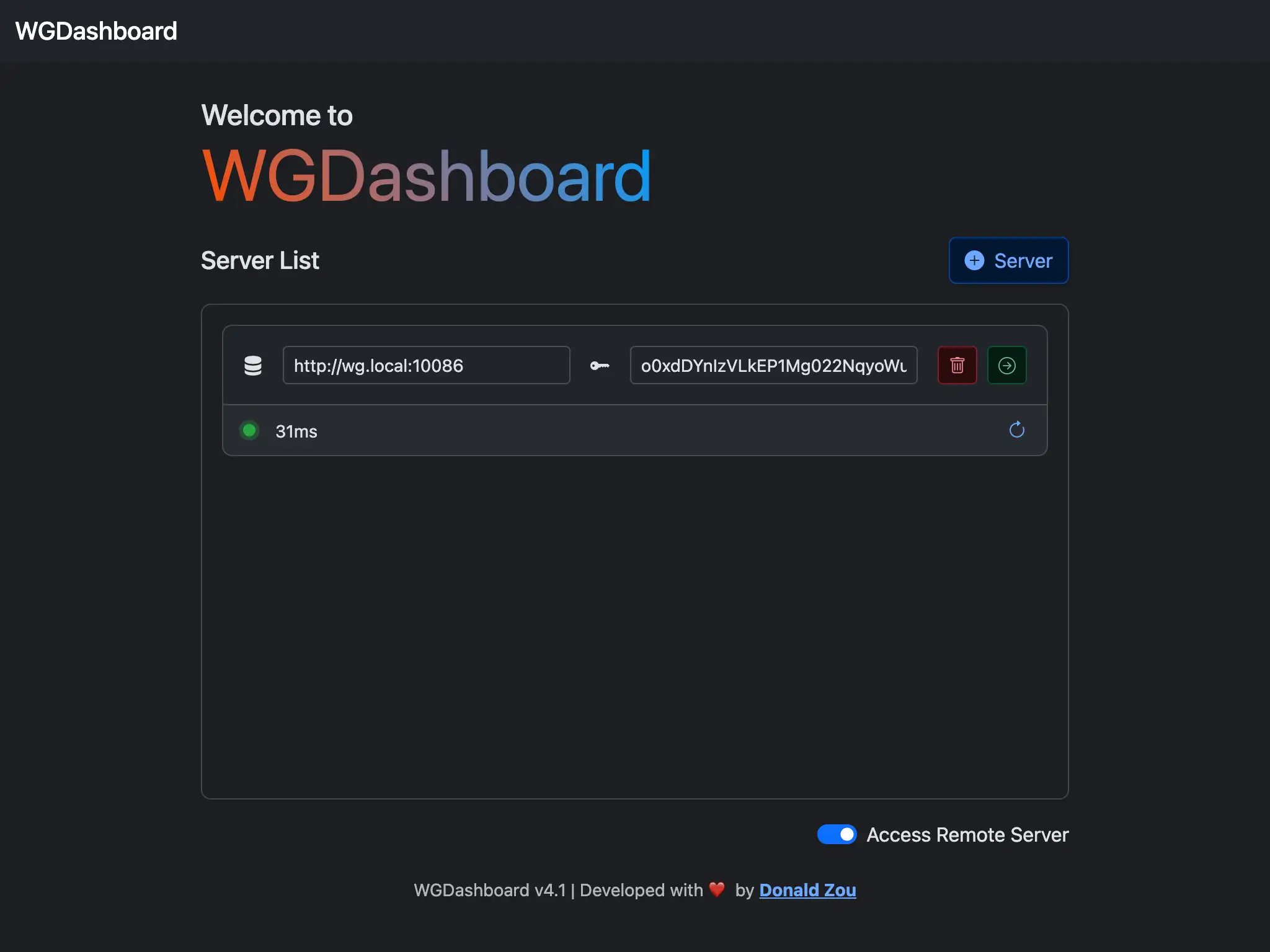
Enable
To access remote server, simply toggle the switch under Sign In button in the page
Add Remote Server
To add remote server, simply toggle the switch, click + Server button, fill in the address and API Key.
Enter Remote Server
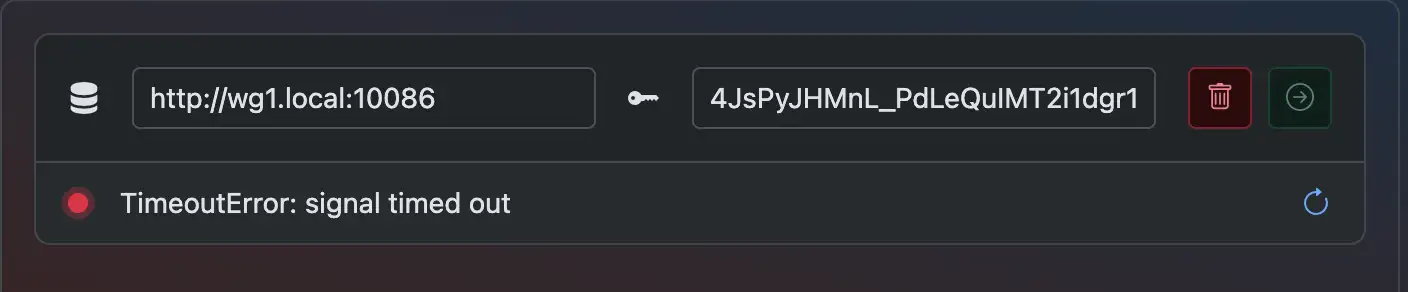
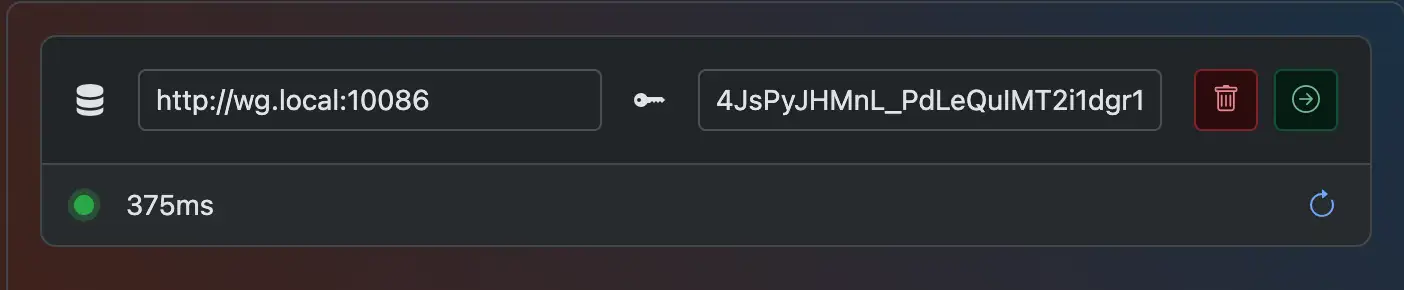
Once you have address and API key filled in, you will see an indicator beneath the inputs telling you if your remote server's status.
If success
If failed
Usually caused by your address can't be connected, or API Key issue.